
Introduction
Alexa, Amazon’s smart assistant, offers far more than just voice interaction. A key feature is its ability to function as a speaker. Whether you’re preparing for a party or just relaxing, utilizing Alexa as a speaker can enrich your listening experience. This guide will demonstrate how to configure Alexa as a speaker, compare it with traditional speakers, and provide tips for enhancing sound quality.
Understanding Alexa’s Speaker Capabilities
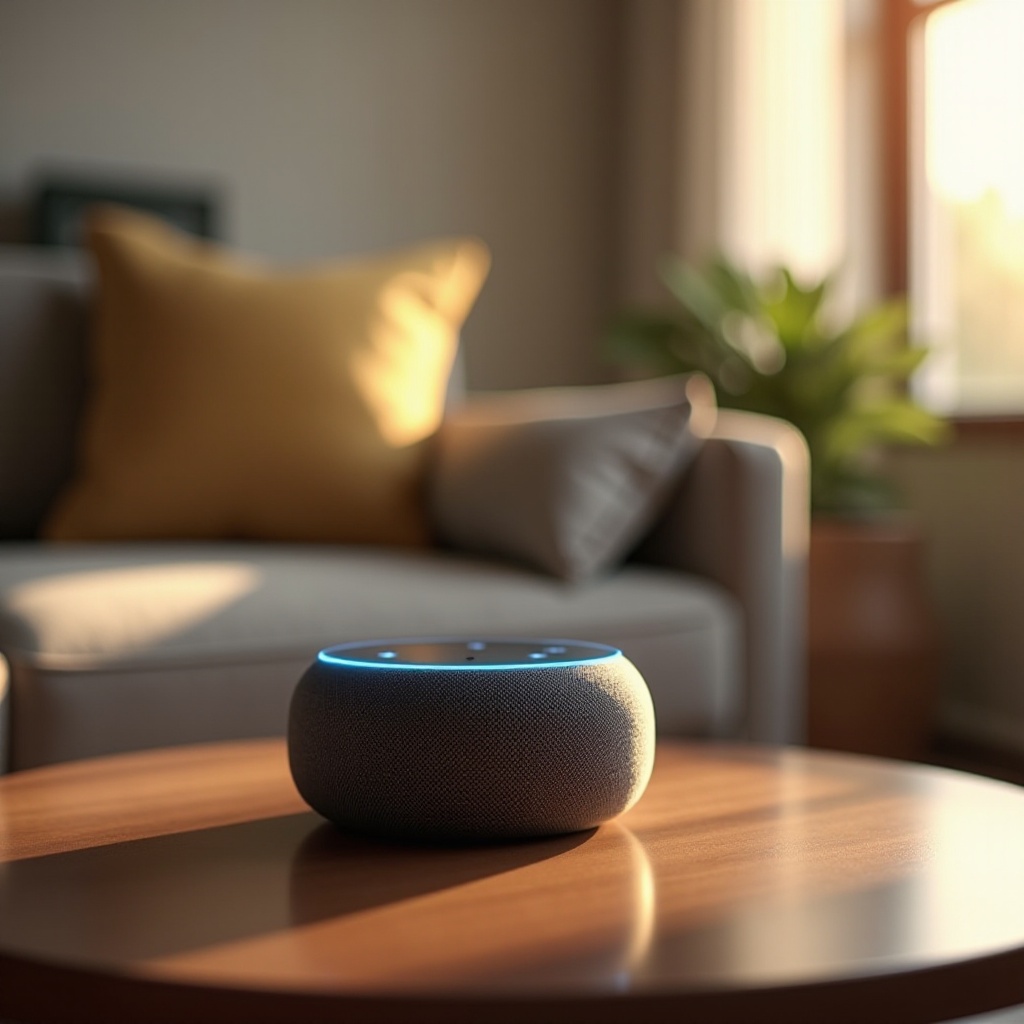
Alexa-enabled devices like the Echo Dot and Echo Show are equipped with built-in speakers. These devices not only respond to commands but can stream music, podcasts, and audiobooks. However, the audio quality varies across devices.
For example, the Echo Studio provides superior sound, suitable for an immersive experience, whereas smaller devices, like the Echo Dot, offer decent sound for everyday listening. Knowing these distinctions helps you choose the most appropriate Alexa device for your audio needs.
Alexa-Enabled Devices Suitable for Audio
- Echo Studio: Delivers high-fidelity audio for discerning listeners.
- Echo Show: Offers a combination of screen and sound for multimedia.
- Echo Dot and Echo Flex: Compact with basic sound, ideal for casual use.
Understanding which device suits your needs is essential for effectively using Alexa as a speaker. This knowledge prepares you for the setup phase.
How to Set Up Alexa as a Speaker
Setting Alexa up as a speaker involves a few simple steps. Start by ensuring your device is plugged in and connected to Wi-Fi. You can then connect Alexa to your smartphone or other devices via Bluetooth or auxiliary connections.
Pairing Alexa with Smartphones and Tablets
- Open the Alexa app on your phone or tablet.
- Go to ‘Devices’ and select ‘Echo & Alexa.
- Choose your specific Alexa device and tap ‘Bluetooth Devices.
- Enable pairing mode on Alexa by saying ‘Alexa, pair’ or ‘Alexa, Bluetooth.
- On your phone, enable Bluetooth and select your Alexa device from the list.
Configuring Settings in the Alexa App
- Access ‘Settings’ in the Alexa app.
- Select your device, then ‘Audio Settings.
- Adjust the volume and enable ‘Enhanced Speaker Mode’ if available.
Troubleshooting Common Issues
If you encounter connectivity issues:
– Ensure your Alexa device has the latest firmware update.
– Make sure Bluetooth is enabled on both devices.
– Restart both devices if connection fails.
With Alexa now set as a speaker, focus on improving the sound quality for an elevated audio experience.
Enhancing Sound Quality on Alexa Devices
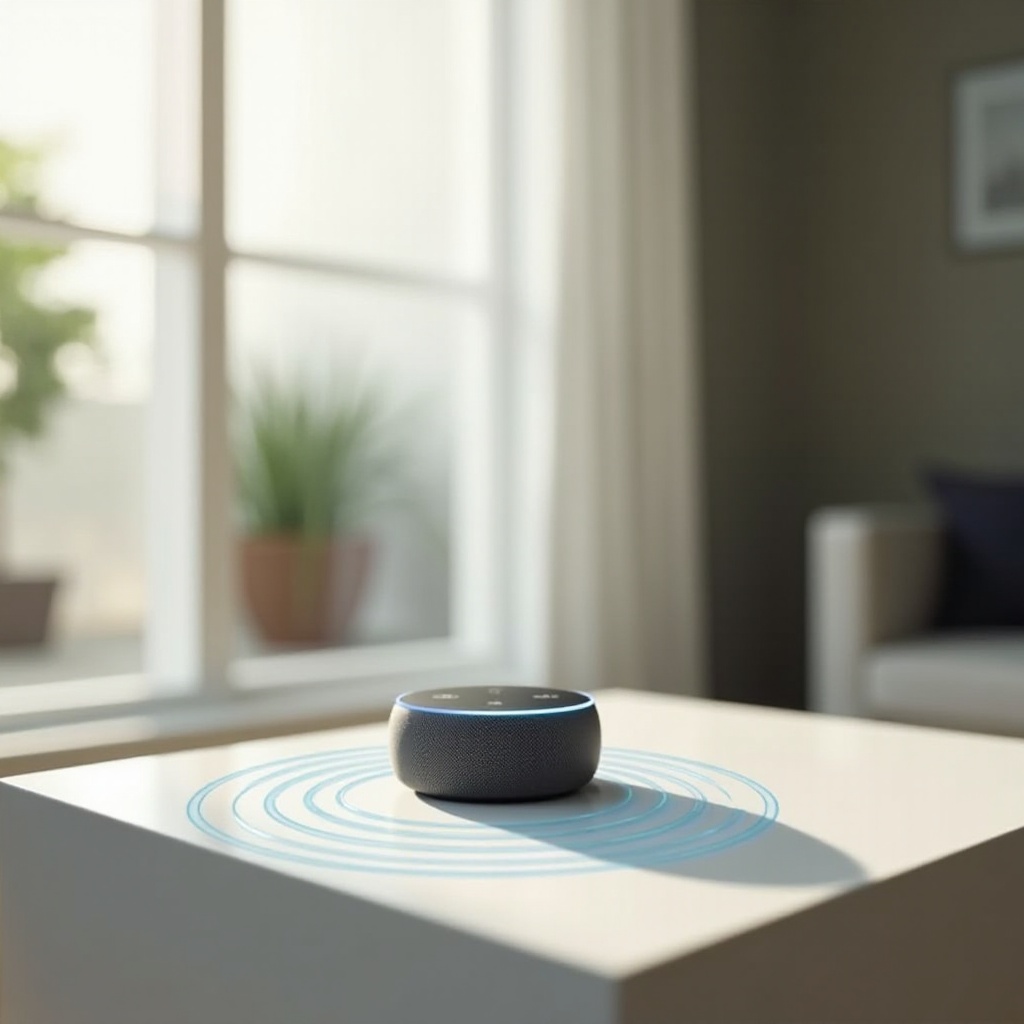
Optimizing sound quality involves tweaking settings and using Alexa’s audio capabilities. Whether it’s playing your favorite tunes or setting a mood, improved sound quality elevates the experience.
Using Alexa’s Built-In Equalizer
- Within the Alexa app, adjust bass, midrange, and treble.
- Apply different sound profiles as desired.
Adding Echo Sub for Better Bass
Adding an Echo Sub enhances bass output, ideal for music lovers:
– In the Alexa app, select your Echo device.
– Choose ‘Subwoofer’ and follow pairing instructions.
Positioning Alexa for Optimal Sound
- Position Alexa on a stable surface, free from obstructions.
- Ensure ample space around the device for sound distribution.
These enhancements make Alexa more comparable to traditional speakers. Next, explore this comparison further.
Alexa vs. Traditional Speakers: A Comparative Analysis
Deciding whether to use Alexa as a speaker involves comparing it with traditional speakers in terms of sound performance, cost, and use cases.
Sound Performance Comparison
- Alexa Devices: Provide good sound quality for small to medium settings.
- Traditional Speakers: Offer superior sound for audiophiles and large spaces.
Cost Considerations
- Alexa Devices: A cost-effective solution with additional smart features.
- Traditional Speakers: Higher initial cost but offer excellent sound.
Use Cases and Limitations
- Alexa devices suit casual listening and smart home integration.
- Traditional speakers serve high-fidelity, professional audio needs.
Understanding how Alexa compares to traditional speakers prepares you to maximize its audio potential.
Tips to Maximize Alexa’s Audio Potential
By integrating Alexa with streaming services and using voice commands, you can easily manage playback and enhance your listening experience.
Utilizing Voice Commands for Music
- Use ‘Alexa, play jazz music’ for specific genres.
- Control audio with ‘Alexa, increase volume’ or ‘Alexa, lower volume.
Integrating with Streaming Services
- Link Spotify, Apple Music, or Amazon Music via the Alexa app.
- Command Alexa to play curated playlists for personalized listening.
With these strategies, users can fully enjoy the versatility and ease of Alexa as a speaker. In closing:
Conclusion
Alexa’s capability to function as a speaker offers a wealth of audio possibilities at home. From setup to sound enhancement, Alexa devices deliver convenience and versatility. While they may not replace high-end audio systems, they provide reliable options for casual listening. Explore Alexa’s full potential today for an enriched audio experience.
Frequently Asked Questions
Can Alexa play music from non-Amazon apps?
Yes, Alexa can integrate with Spotify, Apple Music, and other non-Amazon apps for seamless playback.
Is it possible to use multiple Alexa devices for stereo sound?
Yes, you can create a stereo pair by grouping two compatible Alexa devices.
How secure is my data when using Alexa as a speaker?
Alexa devices come with privacy features, including microphone controls and options to manage voice recordings in the Alexa app.