
Cooling your gaming laptop is a crucial aspect that can significantly enhance its overall performance and longevity. Overheating is a common issue that can lead to performance throttling and potential damage to your device’s hardware. To combat this, investing in a quality laptop cooler is essential. This guide will take you through the importance of laptop coolers, the key factors to consider when purchasing one, and the top coolers available in 2024.
Introduction
Gaming laptops are powerful machines but are prone to heat issues under intense use. This makes it vital for gamers to use effective cooling solutions to ensure uninterrupted gaming sessions with optimal performance. In this guide, we aim to assist gamers in selecting the best laptop cooler tailored to meet their gaming needs by providing comprehensive insights into what to look for and which products stand out.
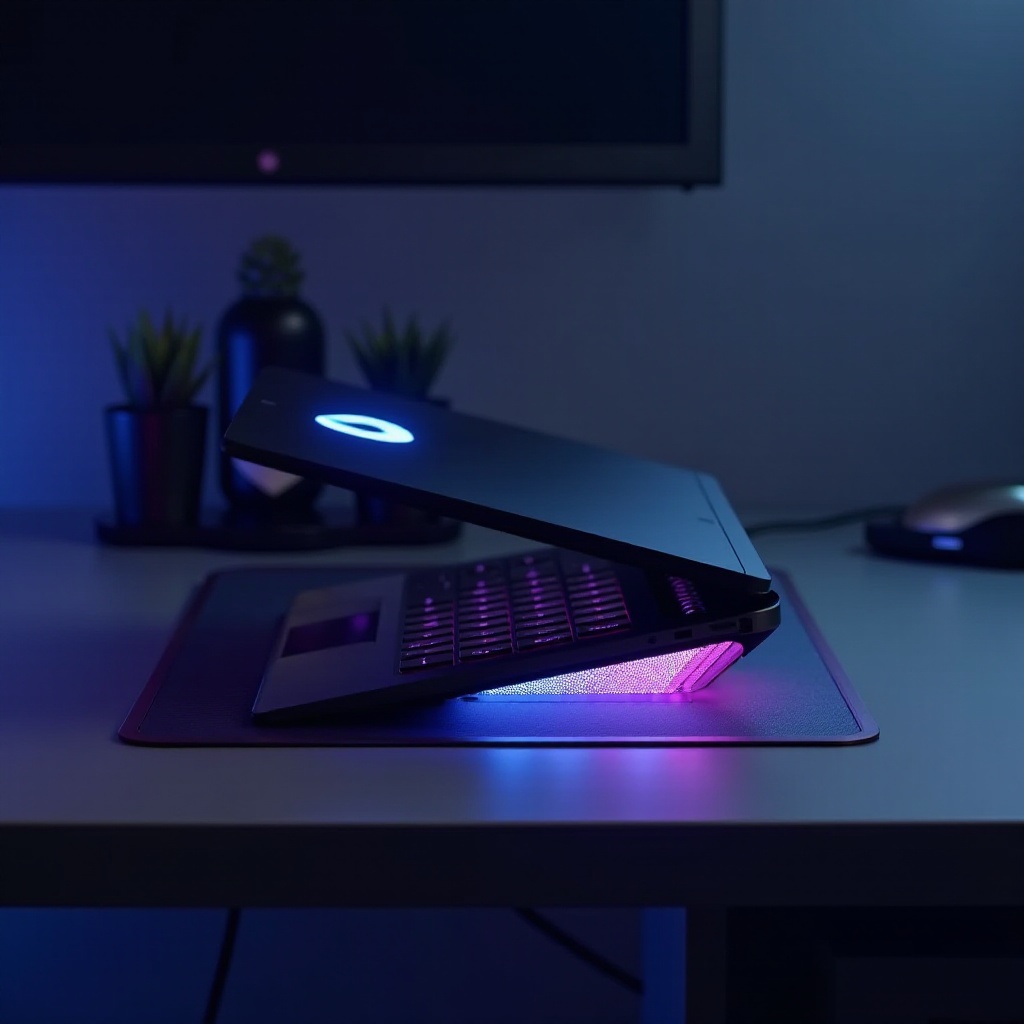
Why Every Gamer Needs a Laptop Cooler
Gaming laptops tend to heat up rapidly during extensive gaming sessions, affecting both performance and device lifespan. Utilizing a cooling pad helps in maintaining adequate airflow, thereby keeping temperatures in check and protecting your investment.
-
Performance Impact: Elevated temperatures lead to thermal throttling, causing a slowdown in processing speed and resulting in poor gaming experience.
-
Hardware Protection: Consistent exposure to high temperatures can cause long-term damage to vital components such as the CPU and GPU.
-
User Comfort: A cooler laptop surface during gaming sessions prevents discomfort, allowing you to focus entirely on your game.
Laptop coolers are an effective, easy-to-install solution to tackle overheating, thus enhancing both performance and durability of your gaming laptop.

Key Factors to Consider When Choosing a Gaming Laptop Cooler
Selecting the right laptop cooler is crucial and involves considering several factors to maximize benefits for your gaming setup.
-
Cooling Performance: Look for coolers with a high CFM rating, indicating strong airflow capable of efficiently reducing temperatures.
-
Size and Compatibility: Ensure the cooler can support your laptop’s size to offer adequate coverage and stability.
-
Additional Features: Features like extra USB ports, LED lighting for aesthetics, and adjustable fan speeds can enhance user experience and flexibility.
-
Noise Levels: Preference for lower noise levels ensures a more pleasant environment, especially for shared spaces or streaming scenarios.
-
Portability: Consider lightweight, compact designs for those frequently on the move, ensuring ease of transport without sacrificing cooling efficiency.
By evaluating these aspects, you can find a laptop cooler that fits your specific gaming needs, improving overall experience and efficiency.
Top 5 Best Gaming Laptop Coolers in 2024
Here are some of the best laptop coolers of 2024, each known for their unique features and exceptional cooling capabilities:
- Cooler 1:
- Features: Five adjustable fans, RGB lighting, plus four USB ports.
- Pros: Superior cooling efficiency and quiet performance.
-
Cons: Somewhat heavy, affecting ease of portability.
-
Cooler 2:
- Features: Ultra-slim design with strong metal mesh and dual fans.
- Pros: Highly portable with great stability.
-
Cons: Lacks ample USB expansion options.
-
Cooler 3:
- Features: Ergonomic design with height adjustment and silent fans.
- Pros: Enhances comfort and provides excellent heat dissipation.
-
Cons: Non-customizable fan speed settings.
-
Cooler 4:
- Features: High-power fans with customizable RGB lighting.
- Pros: Visually appealing with robust cooling performance.
-
Cons: Can be noisy at maximum speed.
-
Cooler 5:
- Features: Includes temperature sensors with auto-adjusting fan speeds.
- Pros: Offers smart cooling, requires minimal input.
- Cons: Comes at a higher cost.
These models are perfect for gamers looking for reliable solutions to mitigate heat during gameplay, ensuring optimum performance.
How to Maintain and Optimize Your Laptop Cooler for Longevity
To get the most out of your laptop cooler and prolong its life, consider these maintenance and optimization tips:
-
Regular Cleaning: Dust accumulates over time, hindering performance. Clean the fans and mesh regularly with compressed air or a soft brush.
-
Avoid Overloading: Prevent placing excessive weight on the cooler as it can cause structural damage.
-
Proper Positioning: Always use your cooler on a stable and level surface to ensure effective airflow.
Regular maintenance ensures your cooler continues to perform effectively, supporting your laptop’s overall health and readiness for gaming demands.

Conclusion
Choosing the right gaming laptop cooler is essential for sustaining optimal device performance and extending its lifespan. Throughout this guide, we have highlighted the benefits of using a cooler, the factors to consider when purchasing, and the top-rated options for 2024. Armed with this knowledge, you are well equipped to make a wise choice in protecting your gaming investment.
Frequently Asked Questions
What is the ideal temperature range for a gaming laptop?
The ideal temperature for a gaming laptop is typically between 70-80°C (158-176°F) for the CPU and slightly lower for the GPU.
Can a cooling pad improve gaming performance?
Yes, a cooling pad helps maintain low temperatures, reducing thermal throttling which ensures your laptop runs optimally, enhancing gaming performance.
How often should I clean my laptop cooler?
It’s recommended to clean your laptop cooler every two to four weeks to prevent dust buildup and ensure efficient operation of the fans.