
Introduction
Maintaining your PS5 ensures smooth operation and longevity. A critical aspect of this upkeep is cleaning the internal components, particularly the fan. Over time, dust accumulates which can lead to overheating and performance issues. However, lacking a screwdriver shouldn’t hold you back. This guide aims to empower you with the steps to safely open and clean your PS5 fan without special tools.
Understanding the PS5 Design
An insight into the PS5’s design is crucial for this endeavor. The fan is key to keeping the console cool, especially during intense gaming sessions. Traditionally, disassembly involves a screwdriver to remove screws securing the shell, but knowing how the PS5 is put together allows for alternatives.
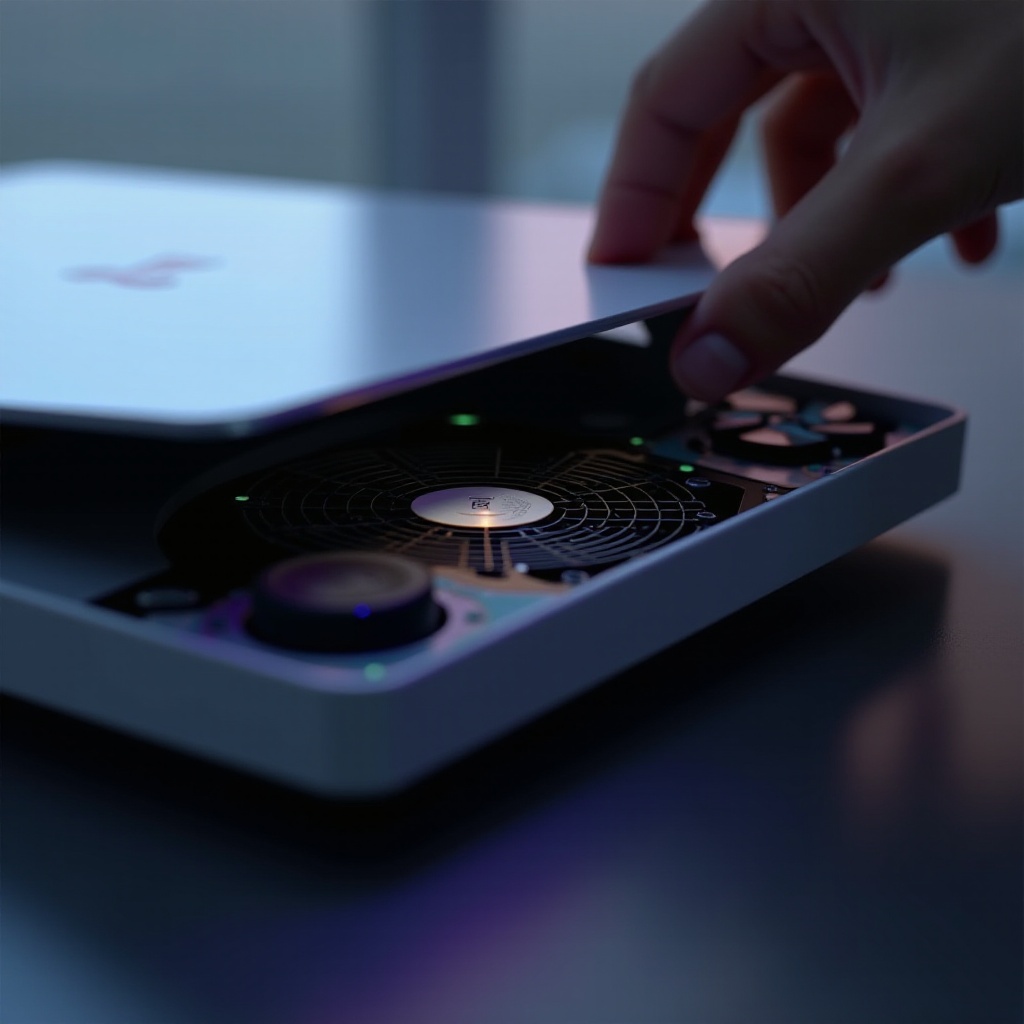
The console’s cover can be removed without unscrewing, thanks to its clip design. Understanding the fitting and location of the fan simplifies this process significantly.
Preparing for the Task
Before proceeding, gather the essential tools and create an ideal workspace:
- Tools Needed:
- A soft cloth or mat for the console.
- A microfiber cloth.
- A can of compressed air.
-
A small flashlight for better illumination.
-
Ideal Environment:
- Choose a clean, well-lit area.
- Consider wearing an anti-static wristband to protect electronic components.
Preparation ensures you’re organized and ready to perform the task without damaging your device.
Accessing the PS5 Fan
Start by safely removing the outer shell to reach the fan. Lay the PS5 horizontally and follow these steps:
-
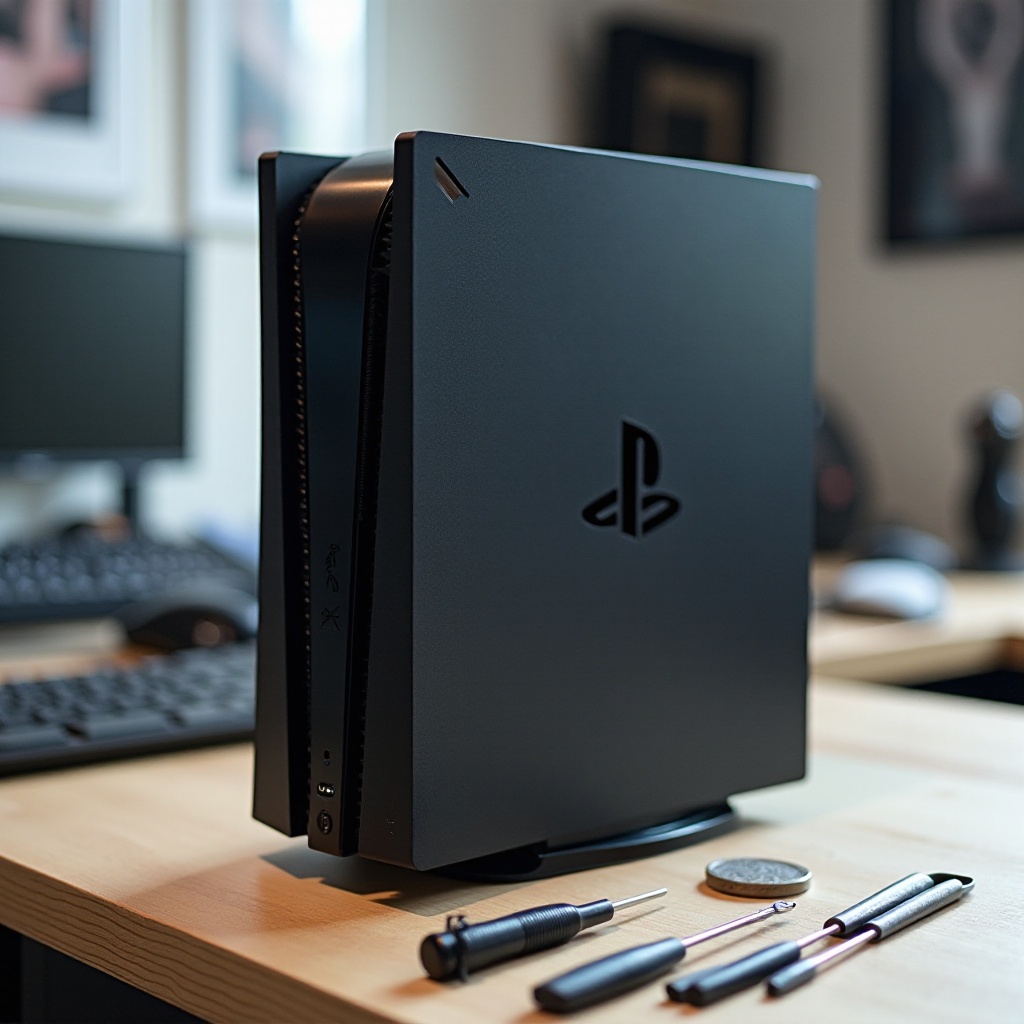
Remove the Stand: If the stand is attached, unscrew and remove it using a flat object like a coin.
-
Detach the Top Cover: Locate the PS5 logo. Grip the edge near the logo, gently pull upwards, and slide the cover toward the console’s base. This should disengage it without forcing.
Handling the components carefully prevents damage and ensures successful access to internal parts.
Cleaning the Fan Effectively
With the fan now accessible, focus on cleaning it to restore optimal function. Dust can severely compromise performance, so be thorough yet gentle:
-
Initial Dusting: Use the compressed air to blow away loose dust from the fan and surrounding areas.
-
Wipe Down: Gently clean the fan with the microfiber cloth, making sure to capture remaining particles.
-
Final Inspection: Use the flashlight to check for missed spots, especially around the fan blades.
Proper cleaning techniques ensure the fan functions efficiently without harming delicate parts.
Reassembling the PS5
Once cleaned, reassembling your PS5 is the next crucial step. Careful reassembly prevents any long-term damage:
-
Reattach the Top Cover: Slide the cover back into position, starting from the bottom upwards, ensuring each clip is secured.
-
Replace the Stand: Reattach the stand securely using your flat tool of choice.
Before powering on your PS5, visually confirm that everything is correctly aligned and secure for optimal performance.
Conclusion
Regular PS5 maintenance, such as fan cleaning, greatly enhances performance and extends the console’s lifespan. By following these instructions, you can do so with confidence and without the need for specialized tools. Ensuring your PS5 remains in top condition guarantees you enjoy uninterrupted and smooth gaming experiences.
Frequently Asked Questions
Is it safe to open my PS5 without a screwdriver?
Yes, following the guide carefully and handling components gently will ensure safety.
How often should I clean my PS5 fan?
Cleaning every few months or when you notice performance issues is recommended.
What if my PS5 makes noise after reassembly?
Ensure all parts are correctly aligned and no debris remains. If noise persists, recheck the assembly.