
Introduction
Struggling with your Bose mini speaker not charging can be frustrating, especially when it interrupts your music, podcasts, or work calls. Fortunately, with the right guidance, you can troubleshoot the issue and bring your speaker back to life. This article aims to uncover potential reasons for charging problems and provide actionable solutions to ensure your speaker resumes optimal performance.
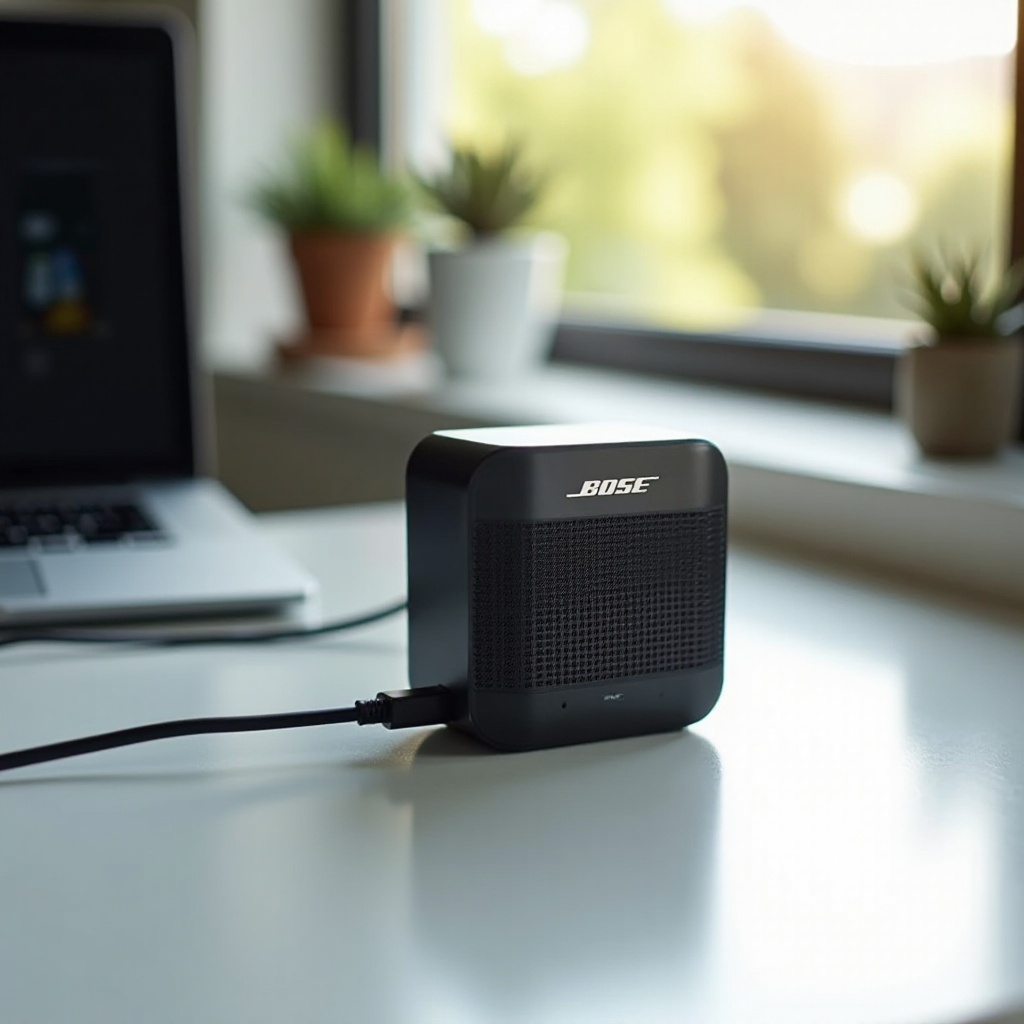
Understanding Your Bose Mini Speaker’s Charging Mechanism
To tackle charging issues, it’s crucial to understand how your Bose mini speaker receives power. The charging system involves the USB cable, power adapter, and the speaker’s charging port. Typically, a USB cable transfers power from the adapter to the speaker’s battery. However, various factors can disrupt this flow of electricity, leading to charging problems. By comprehending this system, you can better diagnose where things might be going wrong.
With this foundational knowledge, let’s dive into identifying the root causes of your charging woes.
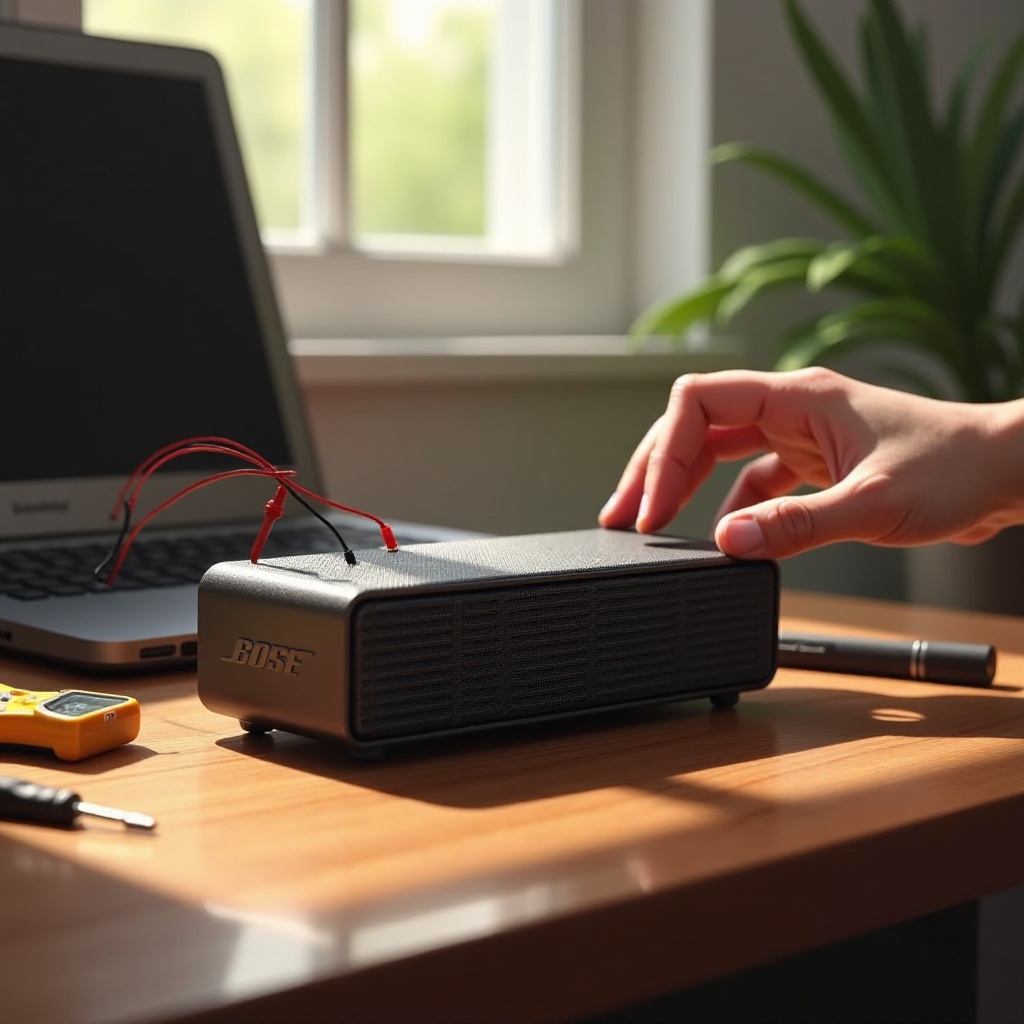
Common Causes of Charging Issues
Several common factors could cause your Bose mini speaker to stop charging. Understanding these will help you direct your efforts to solve the issue effectively.
-
Faulty Charging Cable or Adapter: Over time, cables can wear out and adapters may fail. Check for visible signs of damage like fraying or bent connectors, and test with another known compatible charger.
-
Dirty or Damaged Charging Port: Accumulated debris or damage in the charging port can prevent a proper connection. Gently clean it to ensure nothing is obstructing the power flow.
-
Battery Health Concerns: Batteries degrade over time, reducing their ability to hold a charge. Exposure to extreme temperatures can accelerate this process, impacting charging efficiency.
Once you identify potential causes, it’s time to employ a detailed troubleshooting strategy to fix these issues.
Step-by-Step Troubleshooting Guide
Follow these steps to troubleshoot and resolve charging issues with your Bose mini speaker:
-
Inspecting the Power Source and Adapter: Confirm that your power source is functional by plugging in another device. Make sure the adapter is the correct one for your speaker.
-
Checking and Replacing the Charging Cable: Examine the cable for signs of damage. Test with another compatible cable to see if the issue lies with the original one.
-
Cleaning the Charging Port: Inspect the port for dust or debris. Use compressed air or a soft brush to clear any obstructions without causing damage.
After trying these steps, further measures may be required if your speaker still isn’t charging efficiently.
Advanced Solutions for Persistent Issues
Should you encounter persistent charging problems, these advanced solutions could help:
-
Performing a Speaker Reset: A reset can sometimes rectify minor issues. Hold down the power button for about 10 seconds and observe if this restores charging capabilities.
-
Updating the Firmware: Firmware updates can resolve compatibility or software-related charging problems. Connect your speaker to a computer or use the official app to perform updates.
-
Replacing the Battery: If the battery has aged significantly, consider replacement. Check Bose’s official resources or support for guidance.
Having explored advanced measures, let’s shift focus to preventive methods to maintain your device’s functionality.
Preventive Measures to Keep Your Speaker Charging Smoothly
Adopting a few preventive strategies can help extend the lifespan of your Bose mini speaker’s charging capabilities.
-
Proper Storage and Handling: Keep your speaker in a moderate temperature environment. Ensure it is safely stored when not in use to avoid physical damage.
-
Maintaining Battery Health: Regularly charge your speaker while avoiding extreme depletion. Periodic full discharge and recharge can help maintain optimal battery capacity.
Finally, a scenario may arise where professional assistance becomes necessary.
When to Seek Professional Help
If all troubleshooting methods fail, it might be time to seek professional help. Bose authorized service centers can precisely diagnose and address more complex issues, potentially saving your speaker from irreparable damage. Bose support can also provide recommendations specific to your model and situation.
Conclusion
We’ve reviewed various approaches to troubleshooting and preventing charging issues with your Bose mini speaker. By understanding the charging mechanism, identifying common issues, and following our guide, you can effectively restore your speaker’s functionality. Consistent maintenance and cautious usage will minimize future problems, ensuring your Bose mini speaker continues to deliver quality sound.
Frequently Asked Questions
What should I do if my Bose mini speaker still won’t charge after trying these steps?
If your speaker remains unresponsive after attempting all steps, contact Bose support. Professional evaluation might be necessary to identify deeper issues.
How often should I replace the battery in my Bose mini speaker?
It’s generally recommended to replace the battery every 2-3 years, depending on usage patterns and maintenance.
Can I use any charger with my Bose mini speaker or only the original one?
It’s best to use the original charger or a certified compatible alternative to prevent inefficiencies or potential damage to your device.