
Introduction
Step tracking with your iPhone can offer significant insights into your daily activity levels. With the advanced Health app and various integration capabilities, your iPhone becomes more than just a smartphone; it’s a personal fitness companion. Whether you’re a fitness enthusiast or just getting started with a healthier lifestyle, understanding how to effectively use your iPhone for step tracking can elevate your fitness journey.
Understanding Step Tracking on iPhone
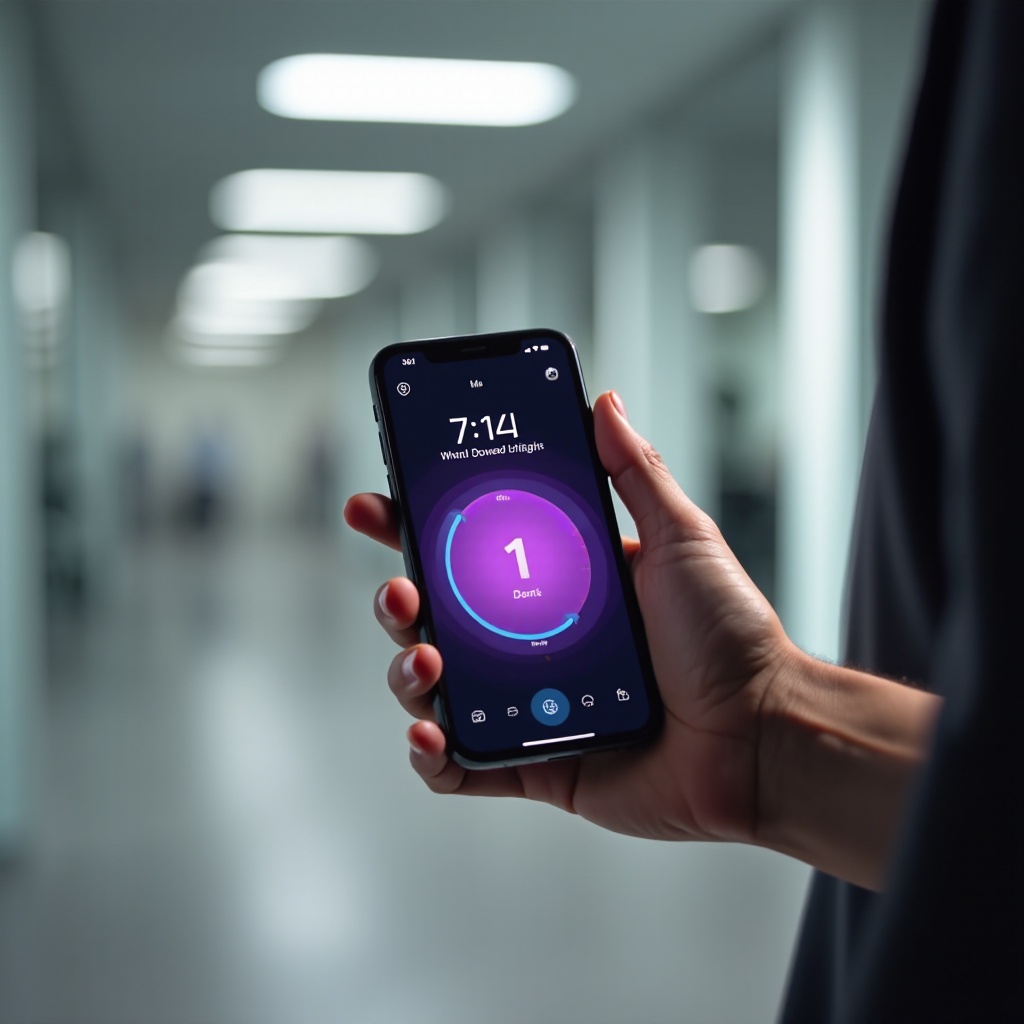
The iPhone’s Health app is the cornerstone of its fitness tracking functionality. Utilizing the phone’s built-in sensors, the app monitors your daily steps and provides clear, intuitive data representations. Understanding how this integration works enables users to take full advantage of the iPhone’s potential as a health monitoring tool. Moreover, the synergy between the iPhone and other Apple devices such as the Apple Watch enhances the breadth of data collected, offering a more comprehensive view of your health and activity levels.
Setting Up Step Tracking on Your iPhone
To start utilizing the iPhone for step tracking, follow these easy steps:
- Open the Health app.
- Navigate to the ‘Summary’ tab and select ‘Steps.
- Opt to ‘Add Data’ if you wish to include historic step data.
- For Apple Watch users, ensure the watch is synchronized and Bluetooth is activated for the integration.
By centralizing your fitness data, the Health app simplifies monitoring and analysis. You can set daily and weekly goals within the app, which encourages consistency and fosters motivation. These goals serve as benchmarks, helping to track and push your health journey forward.
Top Third-Party Apps for Enhanced Tracking
Beyond the Health app, third-party apps offer expansive and detailed tracking options that can further enrich the experience:
- Pedometer++: A simple and functional app, perfect for straightforward step tracking.
- Strava: A favorite for runners and cyclists, with in-depth analytics and friendly competition features.
- MyFitnessPal: Integrating dietary information with step tracking, offering a holistic view of calorie balance.
- Fitbit: Even without a Fitbit device, you can harness this app’s rich health data ecosystem.
By integrating these apps, users benefit from specialized features that can cater to more specific fitness and health goals. The connections between these platforms and the iPhone create a seamless environment for holistic health monitoring.
Tips for Accurate Step Tracking
To ensure your step tracking is as precise as possible, consider the following strategies:
- Keep Your Device Close: Ensure your iPhone or Apple Watch is consistently on you.
- Calibration: For Apple Watch users, a 20-minute outdoor walk helps calibrate your device for better accuracy.
- Battery Maintenance: Regular charging and proper battery care keep the sensors in optimal working condition.
Accuracy in step tracking enables reliable data collection, crucial for setting realistic and attainable fitness objectives. These insights help monitor and adjust your exercise regimen.
Utilizing Step Data for Health Goals
Armed with step data, setting achievable health goals becomes considerably more straightforward. The Health app offers a variety of tools to analyze your activity over various time periods, making it easier to spot trends and areas of improvement:
- Goal Setting: Develop realistic short-term and long-term milestones based on your current activity levels.
- Activity Reviews: Regularly review your step data to identify patterns of inactivity to adapt your daily schedule.
- Join Communities: Participate in challenges with friends to add a social element and increase motivation.
By continually revisiting and refining your goals with up-to-date data, you can make meaningful progress on your fitness journey.
Privacy and Security Considerations
While utilizing iPhone step tracking, maintaining privacy is crucial. Follow these guidelines to keep your data secure:
- Manage App Permissions: Routinely check which apps have access to your health data.
- Utilize Security Features: Activate passwords or utilize Face ID for added security.
- Privacy Policies: When using third-party apps, review their data policies to ensure your data remains safe.
By safeguarding your data, you obtain all the benefits of iPhone step tracking with peace of mind, knowing your personal information is protected.

Conclusion
Mastering step tracking with your iPhone not only supports your fitness goals but also enriches your overall lifestyle. With the Health app and other accessible tools, this small device becomes a robust ally for health improvements. By diligently tracking steps with a sense of consistency and understanding privacy, you can leverage technology to foster a more active, fulfilling life.
Frequently Asked Questions
How do I enable step tracking on my iPhone?
To enable step tracking, open the Health app, navigate to the ‘Summary,’ select ‘Steps,’ and ensure the step-count toggle is active.
Which is the best app for tracking steps on iPhone?
While preferences vary, Pedometer++ is popular for its simplicity, and Strava is favored among those who want detailed analytics and social features.
How can I ensure the accuracy of my iPhone’s step count?
Keep your iPhone on you, calibrate regularly if using an Apple Watch, and maintain device battery health for optimal accuracy.