
Introduction
Apple Watches have become essential tools for health and fitness enthusiasts, offering a convenient way to track calories burned throughout the day. Understanding how these devices measure caloric burn provides valuable insights into optimizing their use for more accurate health monitoring. This guide dissects the intricate blend of technology and science behind Apple Watch calorie calculations, along with tips for maximizing their functionality.
The Technology Behind Apple Watch Calorie Calculation
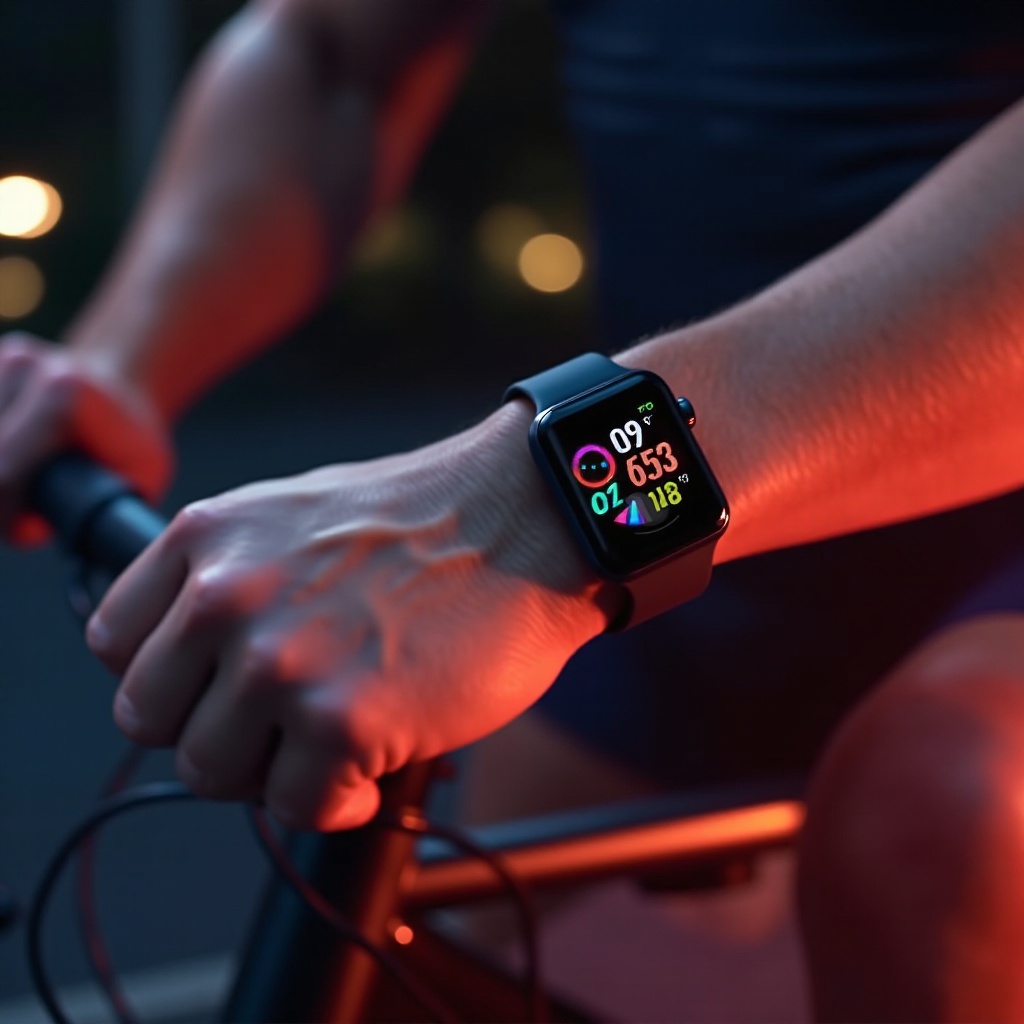
At the heart of the Apple Watch’s calorie counting capabilities is a sophisticated array of sensors and intelligent software, providing a remarkable approach to fitness tracking that many users trust daily.
Key Sensors: Heart Rate Monitor, Accelerometer, and Gyroscope
The accuracy of Apple Watches significantly depends on three main sensors: 1. Heart Rate Monitor: This sensor continuously tracks your pulse, the data from which is crucial for determining the intensity of physical activities. 2. Accelerometer: It measures your movement and translates it into data indicating walking, running, or any dynamic activity. 3. Gyroscope: Complementing the accelerometer, the gyroscope captures precise motion data to enhance overall movement tracking accuracy. Together, these sensors gather critical metrics that the watch processes to estimate calories burned during different activities.
Advanced Algorithms and Machine Learning
Apple Watches do more than just record sensor data; they analyze it using advanced algorithms and machine learning. These algorithms interpret data from the sensors and convert it into calorie estimates, taking into account subtle details often unnoticed by users. Machine learning further refines these calculations by adapting to each user’s unique patterns of movement and heart rate changes, resulting in more personalized and precise calorie counting.
Understanding Calorie Counting: The Scientific Approach
Delving into the science behind calorie counting reveals the complexities involved in generating accurate results, highlighting the sophistication embedded in the Apple Watch.
Basal Metabolic Rate (BMR) vs. Active Calorie Burn
Understanding these two components is crucial for total calorie estimation: 1. Basal Metabolic Rate (BMR): This represents the calories your body requires at complete rest. 2. Active Calorie Burn: Additional calories burned during physical activities are captured through sensor data. Together, BMR and active calorie measurements provide a holistic view of daily energy expenditure, empowering users to make informed lifestyle decisions.
Integrating Personal Data for Accurate Results
To ensure precision, Apple Watches integrate personal data such as age, weight, height, and gender. This data helps tailor the algorithms to an individual’s physiology, refining the accuracy of the caloric calculations. By keeping this information updated, users can trust their watch’s insights with greater confidence, supporting healthier living habits.
Using Apple Watch for Calorie Tracking
Leveraging the technological and scientific insights provided by the Apple Watch allows users to enhance their health and fitness journeys significantly.
Activity App Features: Understanding the Rings
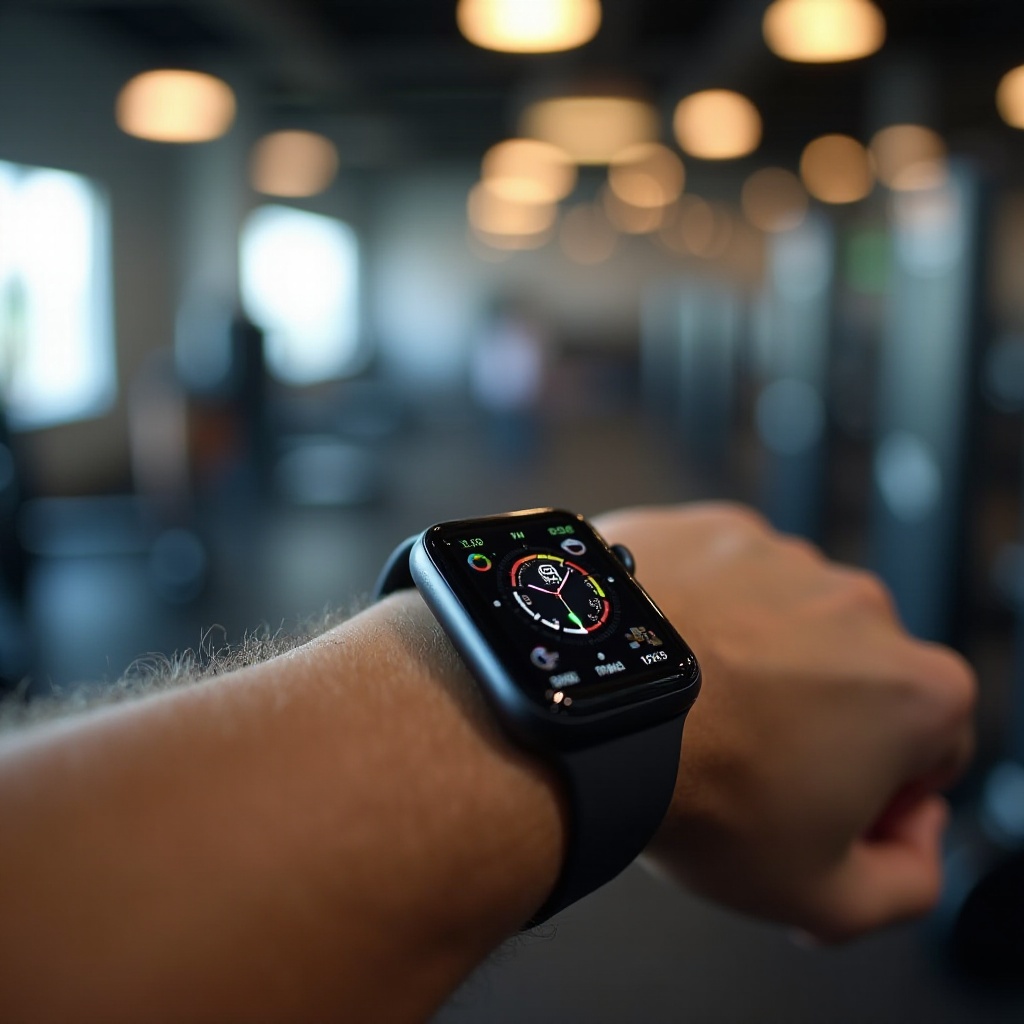
The Apple Watch Activity app offers an easy-to-understand visual representation of your daily progress through three rings: – Move Ring: Tracks calories burned beyond your BMR. – Exercise Ring: Measures activities equivalent to a brisk walk or more. – Stand Ring: Encourages standing up every hour for sustained activity. These rings motivate users by visually displaying their movements and progress throughout the day, making goal-setting practical and immersive.
Distinguishing Active from Total Calorie Count
It’s vital to distinguish between active calories and total calorie count. Whereas active calories focus on calories burned through deliberate activity, the total count includes both activity-related and resting calories. Understanding this concept helps in setting realistic fitness goals and accurately tracking progress towards achieving them.
Factors Influencing Calorie Calculation Accuracy
Several factors can affect the accuracy of calorie calculations, making awareness of these crucial for obtaining effective results.
Importance of Personal Information: Age, Weight, Height, Gender
Personal details like age, weight, height, and gender play a critical role in tailoring the calorie counting algorithms to individual needs. For example, addressing changes in metabolism with age, considering body composition variations, or adjusting for gender-specific metabolic differences ensures that the Apple Watch delivers the most accurate results possible. Keeping this data updated maintains the accuracy of caloric measurements, providing better insights into one’s health and fitness.
Regular Calibration and Device Updates
Maintaining your Apple Watch enhances its accuracy and lifespan: – Regularly calibrate motion sensors with short walks. – Keep the device updated with the latest software, ensuring improvements in algorithms and functionalities. Following these practices ensures that the readings on your device remain as precise as possible, improving your overall user experience.
Enhancing Your Calorie Tracking Experience
Making the most out of the Apple Watch requires a combination of using its features wisely and integrating them with your lifestyle goals.
Customizing Watch Settings for Precision
Tailoring your watch settings enhances precision by: – Adjusting your daily activity goals to realistic levels. – Optimizing workout settings to cater to specific fitness activities. These adjustments make the calorie tracking and activity monitoring capabilities more aligned with personal fitness goals, aiding consistency and motivation.
Benefits of Integrating Third-Party Apps
Leveraging third-party apps can greatly enrich the fitness tracking experience: – They provide detailed analyses of your caloric trends. – They allow for tracking other metrics such as nutrition for a complete health picture. By synchronizing these apps with your Apple Watch, you can create a comprehensive health management system tailored to your needs.

Conclusion
Apple Watches offer incredible insights into personal fitness, particularly through their calorie-tracking feature. By understanding the intricate workings of its sensors and algorithms, optimizing personal settings, and keeping the device updated, users can reliably depend on their Apple Watch as an indispensable tool in the journey toward improved health and fitness. Whether you’re aiming to stay fit or seeking a more detailed understanding of your daily caloric burn, the Apple Watch provides a platform to help achieve those goals consciously and efficiently.
Frequently Asked Questions
How accurate is the Apple Watch in counting calories?
Apple Watches are generally accurate, though factors like incorrect personal data and improper calibration can affect precision. Regular updates and settings adjustments improve reliability.
Can Apple Watches replace traditional fitness trackers?
While Apple Watches provide extensive health monitoring features, some dedicated fitness trackers may offer specialized metrics. Choosing between them depends on personal fitness goals and preference.
What should I do if my calorie count seems off?
Check for any updates and recalibrate your device. Ensure personal data is accurate and explore the settings for any misconfigurations. Adjustments often resolve discrepancies.